The traditional copy-paste loop
Every correction becomes a separate context-switching task.
- Dismiss distracting popup cards
- Wait for slow browser extensions to load
- Accept individual word underline fixes
- Close sidebar panels to see your text
Minimalist Chrome Grammar Checker
Tired of slow writing extensions that clutter your screen with popups and slow down your browser? When you need a tool to help polish this draft, Polish delivers sub-second in-place corrections only when you request them with a shortcut.
The report highlight key metrics that was achieved during the second quarter.
The report highlights key metrics that were achieved during the second quarter.
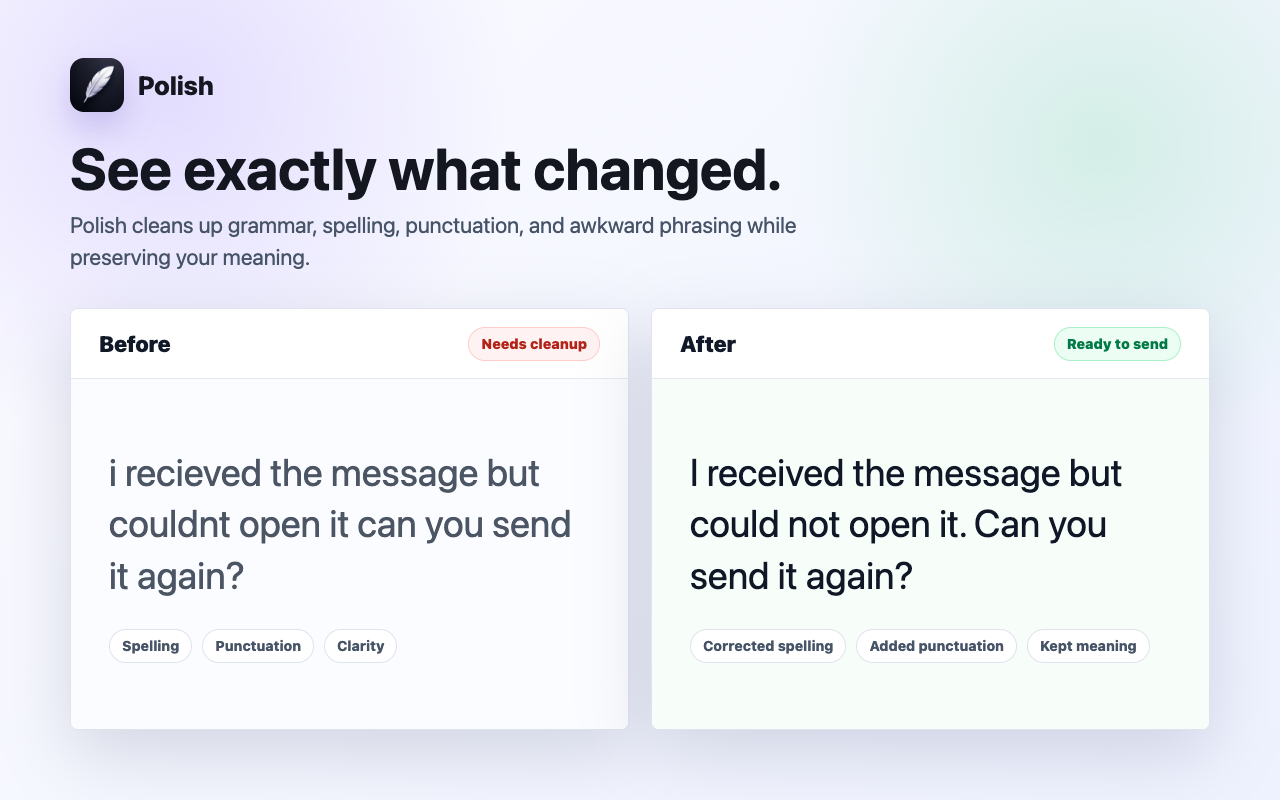
See it in action: Highlight any text in Chrome Text Fields, press ⌘⇧P (Mac) or Alt+Shift+P (Windows), and watch Polish improve it in place in ~0.7 seconds.
Remove the detour
Polish eliminates the extra workflow between noticing a draft and perfecting it.
Every correction becomes a separate context-switching task.
Fix writing in ~0.7s where work is already happening.
Presets for every scenario
Whether sending high-stakes business emails or casual team replies, Polish provides intelligent presets tailored to your context.
Polished, diplomatic, and executive-ready phrasing for work emails and client outreach.
Warm, approachable, and constructive tone for Slack and collaborative team messages.
Cuts unnecessary fluff and filler words to deliver crisp, high-impact executive summaries.
Removes timid qualifiers and passive voice to speak with authority and conviction.
Empathetic, clear, and solution-oriented replies that boost CSAT scores and speed up resolution.
Punchy value propositions and clear calls to action that increase response rates.
Sub-second spelling, punctuation, and grammar fixes while staying 100% true to your original words.
Natural English phrasing and preposition adjustments for non-native speakers.
Built for speed & focus
Polish fixes grammar, flow, and tone while keeping your exact facts, numbers, and intent 100% intact.
Zero background keystroke tracking. Polish reads text only when you explicitly press the shortcut.
Powered by Cerebras AI chips to deliver in-place replacements in ~0.7s with zero lag.
Speed & Workflow Comparison
Compare the traditional copy-paste loop against in-place sub-second polishing.
| Workflow Feature | External AI / ChatGPT | Bulky Extensions | Polish AI |
|---|---|---|---|
| Correction Speed | 40-60 seconds | 5-10 seconds | ~0.7s (Sub-second) |
| In-Place Editing | Requires new tab and paste | Floating sidebars | Replaces text in place |
| UI Distractions | Constant tab switching | Red squiggly lines and popups | Zero popups, quiet |
| Keystroke Privacy | Cloud copy-paste | Continuously logs typing | Zero keylogging on-demand |
| Code and Markdown | Often breaks formatting | Strips backticks | 100% Preserved |
Related workflows
Write natural, fluent English with total confidence. Polish fixes awkward phrasing, prepositions, and grammar directly in Chrome in ~0.7 seconds.
Transform rough drafts into clear, polished emails directly in Chrome. Polish fixes grammar, tone, and clarity in ~0.7s without changing your intent.
Change text tone to formal, concise, executive, or friendly with one shortcut. Polish adapts your writing style in place directly inside Chrome.
Questions & Answers
Polish is designed to keep your writing flow distraction-free. You write without interruption and check grammar only when ready.
Highlight the sentence in any Chrome text field and press ⌘⇧P on Mac or Alt+Shift+P on Windows. Polish cleans up typos, checks grammar, and polishes your writing in about 0.7 seconds.
Polish runs on dedicated Cerebras AI hardware, delivering in-place completions in ~0.7 seconds.
An internet connection is required to communicate with the Cerebras inference engine.
Install Polish and try your next draft free.